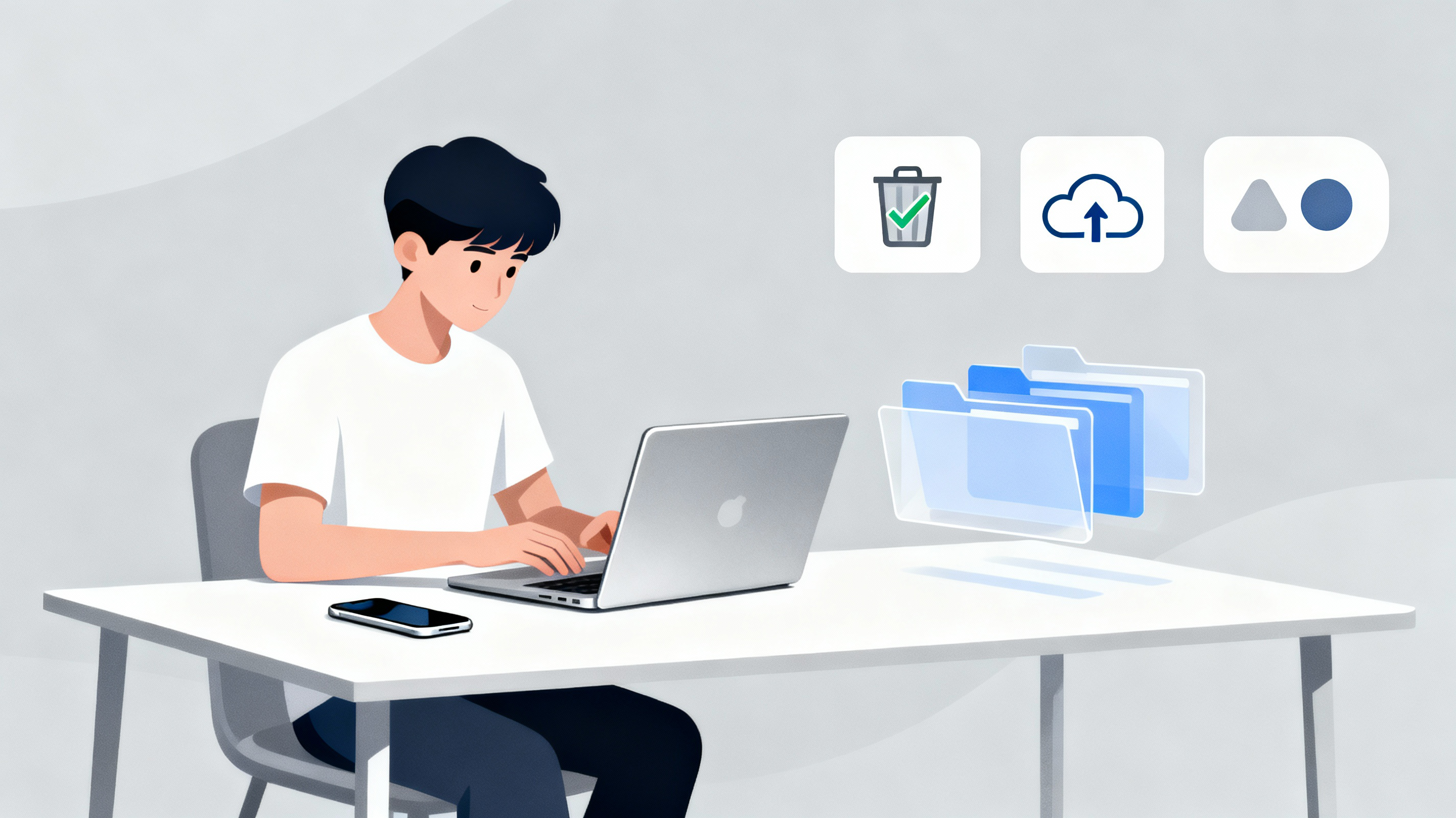
We live in an always-on world where notifications, tabs, apps, and inboxes compete for attention. Digital clutter isn’t just annoying — it drains mental energy, steals time, and makes staying focused harder. The good news: decluttering your digital life is surprisingly doable. This guide gives you practical, minimalist strategies you can start using today — one small ritual at a time.
Why digital decluttering works (and why it’s different from physical minimalism)
Physical minimalism reduces possessions; digital decluttering reduces cognitive load. Your brain treats digital items like sticky notes — unread emails, 12 open browser tabs, and endless app icons all demand mental context switches. By intentionally reducing friction and noise, you create space for deep work, creativity, and calmer downtime.
The 5 core principles of online minimalist habits
- One-in, one-out (information version). Before adding a new app, newsletter, or subscription, remove or archive something else.
- Make decisions once. Turn recurring choices (which notifications, where to save files) into one-time rules.
- Batch and schedule. Group similar tasks (email, social, admin) into fixed windows.
- Default to minimal. Choose the simplest tool that accomplishes the job.
- Design your friction. Add small obstacles for low-value behaviors (e.g., move social apps off your home screen).
A step-by-step digital decluttering plan (60–90 minutes to start)
1. — Inbox reset (20–30 minutes)
- Archive or delete everything older than 12 months you no longer need.
- Unsubscribe from obvious newsletters using the unsubscribe link or a bulk tool.
- Create 3 folders/labels: Action (48h), Reference, Waiting. Move messages accordingly.
- Set a rule: check email no more than 2 times/day (morning + late afternoon).
2. — App audit (10–15 minutes)
- Open your phone and sort apps by usage. Delete anything you haven’t used in 3 months.
- Move essential apps to the home screen; push social and entertainment apps to a second page or folder.
- Turn off non-essential notifications (only allow messages, calendar, and urgent apps).
3. — Browser tab & bookmark tidy (10–15 minutes)
- Close all tabs. Reopen only the 3–5 tabs you actually need today.
- Create a “Read Later” list (Pocket or a dedicated bookmarks folder) and move non-urgent tabs there.
- Delete bookmarks you don’t use; keep folders tidy and labeled.
4. — File system and desktop sweep (10–15 minutes)
- Create three folders: Archive, Current, To Sort. Move loose files into them.
- Empty the desktop — treat it like a visual inbox.
- Implement a simple folder naming convention (Year_Project_Version).
5. — Calendar & notification hygiene (5–10 minutes)
- Remove recurring events you don’t attend.
- Block focus time in your calendar (2–3 focused blocks per day).
- Turn calendar alerts to only essential reminders.
Weekly and monthly rituals (to keep the clutter away)
Weekly (20–30 minutes):
- Inbox triage and archive.
- Review your “Read Later” list; delete or read one item.
- Clean up any temporary files and close all unused browser windows.
Monthly (30–45 minutes):
- Audit subscriptions and paid services (cancel what you don’t use).
- Backup important documents to cloud + local drive.
- Revisit your app list and remove anything unused.
Tools & tiny habits that actually stick
- OneTab / Pocket — for tab and reading management.
- Canva / Google Slides — single tool for simple graphic needs (avoid app-surfing).
- Focus mode / Do Not Disturb — enforce selective attention.
- A single capture point (Notes app or a physical notebook) — collect ideas so you don’t keep tabs open “to remember later.”
Tiny habit: after you open a new app, set a 5-minute timer. If you haven’t gained clear value, delete it.
Real-life micro-story (how a simple change helped)
I started my own “digital fridge clean” one Sunday: closed 80 browser tabs, unsubscribed from 30 newsletters, and moved three social apps to a folder called “Dive” (not home). The first day felt strangely calm — my phone screen time dropped by 27% that week and I finished a writing project I’d been delaying. That small, painless sweep created momentum. The lesson: big results come from tiny, consistent rituals.
How to talk about digital decluttering in interviews or with friends
- Keep it practical: “I limit email checks to twice a day and batch social media into a 30-minute window each evening.”
- Show results: “Since implementing a weekly 30-minute inbox clean, my response time improved and I waste less time context-switching.”
- Emphasize sustainability: “I use simple rules so the system is easy to maintain.”
Common pitfalls (and how to avoid them)
- Perfectionism: Decluttering doesn’t have to be complete. Aim for incremental wins.
- Over-optimization: Don’t replace clutter with an over-engineered system of many apps. Minimal tools, well-used.
- False productivity: Deleting but not automating or changing habits won’t help long-term. Make rules, then enforce them.
Quick start checklist (copy this)
- Unsubscribe from 10 newsletters
- Delete 5 unused apps
- Close all tabs; save 5 to “Read Later”
- Empty desktop into folders (Archive/Current/To Sort)
- Turn off non-essential notifications
- Block one 90-minute deep-work session this week
Final thoughts — design your digital life like you design a room
Your online environment affects your attention, mood, and output. Treat it like any other space: remove obvious junk, keep the things you use visible, and make room for what matters. Minimalism isn’t about deprivation — it’s about making intentional choices so your digital life serves you, not the other way around.For more articles visit my blog.
🔗 Harvard Business Review – How to Declutter Your Digital Life
Read More : https://blogwithsid.com